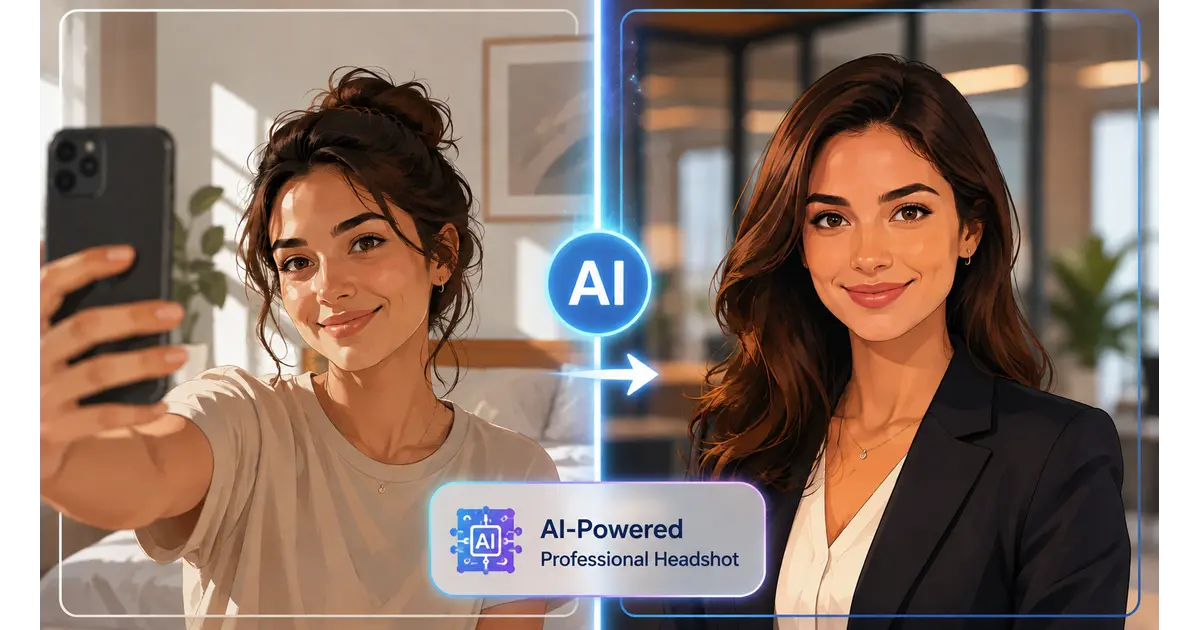
Free AI Headshot Generator 2026: Best Results Without Paying a Cent
A free AI headshot generator in 2026 can genuinely replace a $200 photography session — but only about a third of the tools claiming “free” actually deliver on it. I spent three weeks testing this exact question, running the same five selfies through a dozen apps. I judged each one on the same four things: identity match, watermark, real resolution, and sign-up friction. Some nailed it. Most didn’t.
Here’s what nobody tells you upfront: “free” now comes in three flavors — genuinely free, free-with-a-catch, and free-until-you-hit-download. I’ll walk you through which is which, plus how to combine the good ones so you never have to open your wallet.
Table of Contents
The Free AI Headshot Generators Actually Worth Your Time
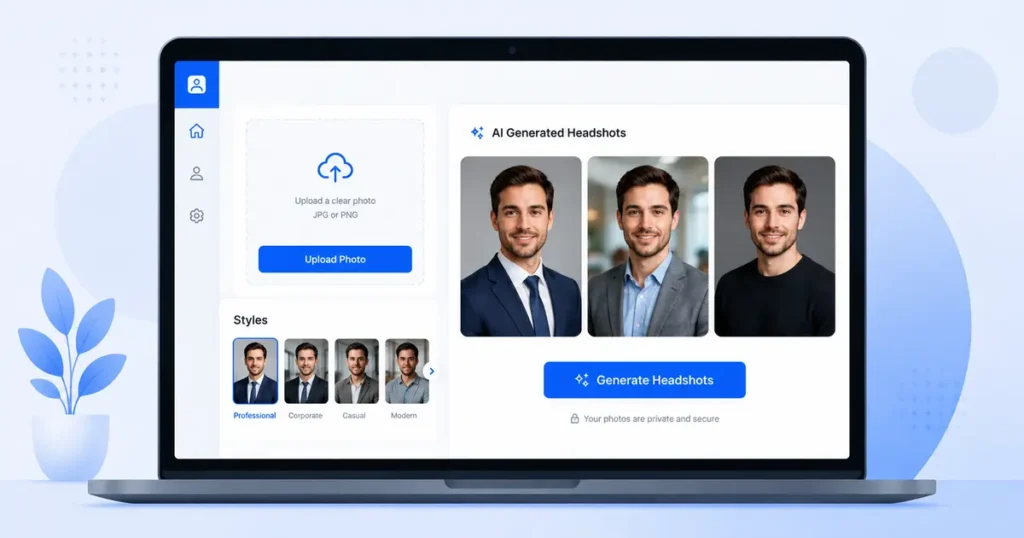
Forget the 30-tool round-ups. Here’s what survived real testing.
Google Gemini (Nano Banana) is currently the strongest fully-free option. It hands you three headshot generations a day, no credit card, no sign-up wall. The catch? You need decent prompting skill, and every image lands with a SynthID watermark baked into the file’s metadata.
Canva’s AI headshot tool sits inside a platform you probably already use. Free-tier limits get reported differently depending on where you look — some say two credits total before a 24-hour cooldown, others say one per month. Check your own dashboard before relying on it for a full batch.
HeadshotMaster skips the account requirement entirely. Generate anonymously, no email, no card required. Quality swings — some outputs look sharp, others look plastic.
GoStudio.ai gives new users 10 free credits and 20 style options up front, which is more breathing room than most tools offer before asking for payment.
Adobe Firefly rounds things out with free monthly credits and commercially safer defaults, though backgrounds stay basic until you upgrade. You can see Adobe’s own breakdown of the Firefly headshot generator here.
| Tool | Free Amount | Watermark | Sign-Up Needed | Best For |
|---|---|---|---|---|
| Gemini (Nano Banana) | 3/day | Yes (SynthID) | No | Fast single shots |
| Canva | Varies (1–2/day or /month) | No | Yes | Users already in Canva |
| HeadshotMaster | Unlimited basic | No | No | Zero-friction testing |
| GoStudio.ai | 10 credits, 20 styles | No | Yes | Trying multiple looks upfront |
| Adobe Firefly | Monthly credits | No | Yes | Safer commercial defaults |
Quick gut check: if a “free” tool asks for your card number before you’ve generated a single image, that’s a trial. Not a free tool. Close the tab.
A Real Client, A Real Weekend
I helped a freelance copywriter launch her site last month with zero photo budget. We used exactly what’s in this guide.
Three days of Gemini’s daily free cap gave her nine headshot options. We picked the strongest one and ran a light upscale inside Canva, which doesn’t burn a generation credit the same way a fresh headshot does. Total cost: $0. Total time: one weekend, spread across the daily limits.
That’s the real playbook. Not one perfect tool. A rotation.
How to Get a Studio-Quality Headshot For Free, Step by Step
- Pick your sharpest selfie. Front-facing, even light, no sunglasses, no busy background.
- Open your first free tool. Gemini is the easiest starting point.
- Use a specific prompt — something like: professional headshot, navy blazer, soft studio lighting, plain grey background, closed-mouth confident smile, shot on an 85mm lens.
- Generate your full daily allotment. Save every version, not just the first.
- Repeat across two or three tools over a few days to build a real shortlist.
- Pick your winner, then run it through a free upscaler if the resolution feels thin.
Six steps. That’s genuinely all it takes.
The Free-Tier Trap Nobody Warns You About
Free doesn’t always mean usable. Three things trip people up constantly.
- Resolution caps. Some tools generate at 512px or 1024px on free tiers — fine for a thumbnail, blurry on a full-size LinkedIn banner.
- Commercial rights gaps. Free-tier images on some platforms aren’t cleared for client or product work, only personal use. Read the license line before it goes on a business card.
- The watermark bait-and-switch. You generate for free, then discover the clean download costs $9 to $29. That’s not a free tool. That’s a paywall with extra steps.
Ask yourself one question before you commit an hour to any tool: does the free tier let you download a usable file, or just preview one? If it’s preview-only, skip it.
Stack Free Daily Limits Like a Pro
This is the part almost nobody explains. Every free tool resets on its own clock — daily, monthly, or per account. You can rotate through several and never pay.
A simple weekly split:
- Monday: Gemini (3 shots)
- Tuesday: HeadshotMaster (unlimited basic)
- Wednesday: Canva (whatever your account allows)
- Thursday: Adobe Firefly (monthly credit)
By Friday you’re holding 15 to 20 real variations, built from zero paid tools. Compare them side by side before picking a favorite. Don’t rush this part — the whole point of stacking is choice.
Quality Control: Spot a Bad AI Headshot Before You Post It
AI headshots fail in predictable spots. Run this checklist before you upload anywhere public.
- Ears. Check they match. AI still blurs or duplicates ear detail often.
- Teeth. Count them. Extra or missing teeth is a dead giveaway.
- Jawline-to-neck blend. Look for a visible seam where the face meets the neck.
- Glasses and earrings. These distort more than any other detail in the frame.
- Background text. If there’s a sign or logo behind you, it’s probably gibberish up close.
If two or more of these look off, generate again. Don’t settle for the first result just because the daily counter is ticking.
Beyond the Headshot: Free AI Images For Your Whole Brand
A headshot solves one problem. Small business owners usually need three.
How Canva AI Text to Image Tool Actually Works
Canva actually runs two separate image engines under one roof. Magic Media is a Stable Diffusion-based pipeline built for quick text-to-image work. Dream Lab is the flagship generator, built on Leonardo’s Phoenix model, and it handles detailed, stylized scenes with a lot more accuracy.
Here’s the fast version:
- Open Magic Studio, or search “AI image generator” from the Canva homepage bar.
- Type a detailed prompt — subject, style, lighting, and composition, all in one or two sentences.
- Generate, then pick your top two options instead of settling for the first.
- Drop your pick straight into a design and apply your brand fonts and colors.
One caveat worth knowing before you build anything client-facing: free-tier AI images on Canva don’t come with commercial usage rights attached — that requires a paid plan. If you’re building assets for a business, confirm that box first.
→ See also: How to Remove Background with AI Free in 2026 (No Watermark)
Privacy Check: What Happens to Your Face After You Upload It
This part gets skipped in almost every headshot round-up. You’re uploading biometric data, not just a photo.
Before you use any tool:
- Read the retention line in the privacy policy. Some delete uploads after processing; others keep them to train future models.
- Look for a deletion option inside your account settings.
- Avoid tools that require permanent cloud storage of your source photos just to generate one image.
If a tool’s privacy policy is vague or missing entirely, that’s your answer. Move on.
Free AI Professional Headshot Tools At a Glance
| Tool | Cost | Commercial Rights | Sign-Up |
|---|---|---|---|
| Gemini (Nano Banana) | Free (3/day) | Personal use | No |
| Canva | Free tier, limited | Requires paid plan | Yes |
| HeadshotMaster | Free, unlimited basic | Check per use | No |
| GoStudio.ai | 10 free credits | Check per use | Yes |
| Adobe Firefly | Free monthly credits | Firefly content credit terms apply | Yes |
Frequently Asked Questions about Free ai professional headshot generator
Is there a truly free AI headshot generator with no watermark?
Yes. HeadshotMaster and Gemini’s Nano Banana both skip a visible watermark on the standard output, though Gemini embeds an invisible SynthID marker in the file’s metadata.
Can I use a free AI headshot on LinkedIn?
Generally, yes, for personal profile use. Business or client-facing use is where free-tier commercial rights start to matter, so check the specific tool’s license first.
Do free AI headshot generators keep your photos?
It depends entirely on the tool. Some delete uploads after processing; others retain them for model training unless you opt out. Always check the privacy policy before uploading anything.
What’s the best free AI headshot generator for a fast turnaround?
Gemini’s Nano Banana is the quickest genuinely free option right now. Results land in under a minute, and there’s no account required to start.
Will people notice my headshot is AI-generated?
Sometimes. Run the quality-control checklist above — ears, teeth, jaw blending, and background text are the four spots that give it away first.
I’ve rotated through enough of these tools now to say this with confidence: you don’t need to pay for a professional headshot in 2026. You need thirty minutes, a decent selfie, and the patience to try more than one free tool before you settle.
Want more practical AI guides for small business owners? Browse our full library at GetFuturix.com.
Related articles on GetFuturix: