PDF Word Counter – Count Words in PDF Free
PDF Word Counter
Drop in a PDF and get an exact word count in seconds — nothing leaves your browser.
- 100% private, in your browser
- No sign-up, no watermark
- Instant results, any length
Drag & drop your PDF here
Choose fileNothing is uploaded — your file stays in this browser tab.
PDF Word Counter is a free, browser-based tool that lets you count words in a PDF file in seconds — no software to install, no account to create, and nothing ever leaves your device. Just drop in your file and this PDF word counter reads the text instantly, then reports an exact word count, character count, page count and estimated reading time.
Most word count in PDF questions come down to one thing: you need a real number, not a guess. Whether you’re checking a manuscript against a submission limit, confirming an essay meets a word requirement, or billing a client by the word, “about 3,000 words” isn’t good enough. This PDF word count checker gives you the actual figure, calculated directly from the text inside your document — not estimated from file size or page count.
Because everything runs locally in your browser using the same open-source engine that powers Firefox’s built-in PDF viewer, your file is never uploaded to a server. That makes this PDF word counter a safe choice for confidential manuscripts, contracts, theses, or any document you’d rather not send through a third-party upload form.
How to check word count in PDF manuscript
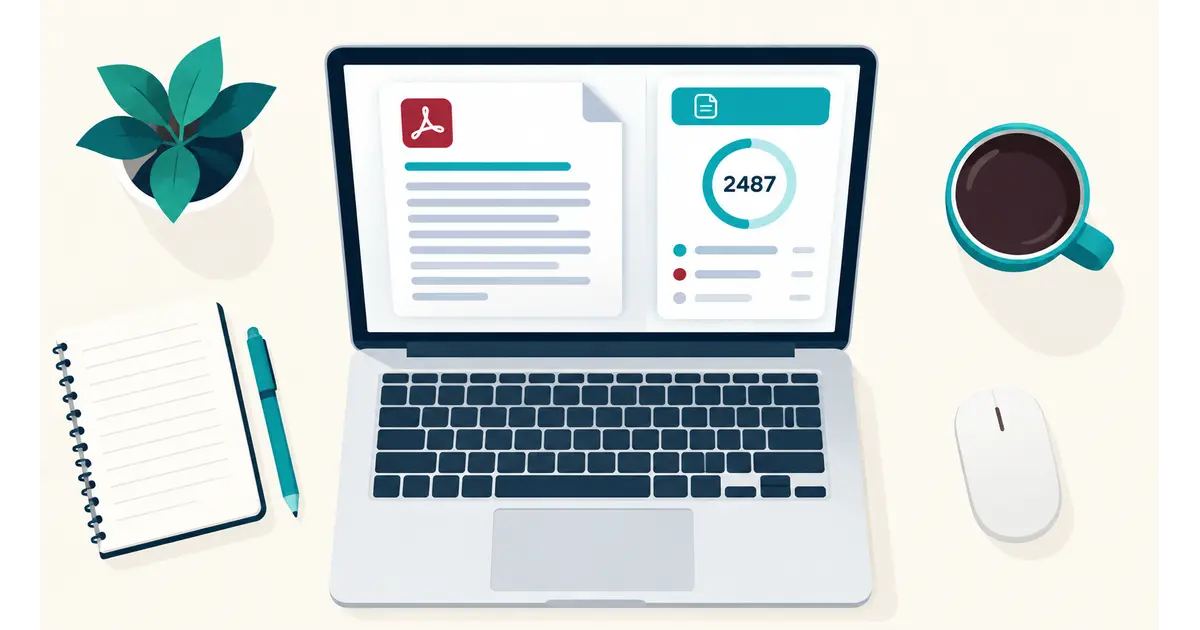
If you’re a novelist, screenwriter or academic preparing a manuscript, publishers and agents almost always specify a word count range — and checking it by hand is slow and error-prone. Here’s how to check word count in a PDF manuscript properly:
- Export or save your manuscript as a PDF from Word, Google Docs, Scrivener or your writing software of choice.
- Open this PDF word counter and drag your file into the upload area, or tap “Choose file” on mobile.
- Wait a moment while the tool reads the text — for a typical 300-page manuscript, this takes just a few seconds.
- Read off your exact word count, character count and page count from the results panel.
This method is more reliable than counting words in your original Word or Scrivener file, because formatting like front matter, chapter breaks, headers and footers can shift the count once a document is exported to PDF. Checking the word count in the PDF you’re actually about to submit — not the draft you wrote it in — is the only way to know for certain you’re within a publisher’s limit.
If your manuscript is a scanned copy — for example, an old typewritten draft that’s been photographed or scanned — this tool won’t be able to read it. See the note on scanned PDFs below.
Why the pdf word counter count sometimes reads zero
PDFs store text two different ways, and it matters for anyone trying to count words in PDF documents. Most everyday documents — Word exports, Google Docs, typed reports, most manuscripts — keep the actual letters as real, selectable text embedded in the file. This PDF word counter reads that text directly, the same way you’d select and copy it yourself.
Scanned pages are different. A scanned document is really just a photograph of a page saved inside a PDF wrapper — there’s no underlying text for a computer to read, only pixels. To pull words out of a scanned page, you’d need OCR (optical character recognition) software to first convert the image into text. This tool doesn’t include OCR, so if you upload a scanned PDF, the word count in PDF results will correctly show as zero.
You can usually tell the difference yourself: open the PDF in any reader and try to select a line of text with your mouse. If a cursor highlights individual words, it’s a text-based PDF and this word count checker will work perfectly. If nothing highlights, or the whole page behaves like a single image, it’s scanned, and you’ll need an OCR tool first.
Where an exact word count actually matters
Literary agents and journals often reject a submission outright if it runs over their stated limit — some won’t even open a query letter that mentions the wrong number. Universities cap essays, theses and dissertations the same way, sometimes deducting marks automatically for going over. Translators and editors frequently bill by the word rather than the page, so a wrong estimate can cost someone real money.
In every one of these situations, “roughly 3,000 words” isn’t good enough. You need the actual figure, and you need to check it in the file you’re about to send — not the draft sitting in your writing app, where formatting differences can quietly change the total. That’s exactly the gap this PDF word counter is built to close: upload the finished PDF, get the real word count in seconds, and submit with confidence instead of a guess.
It’s also worth checking word count in a PDF before you send it to a client or collaborator for review — catching an over-length draft yourself is a lot less awkward than having an editor send it back unread.
Word count in PDF vs. character count — which do you need?
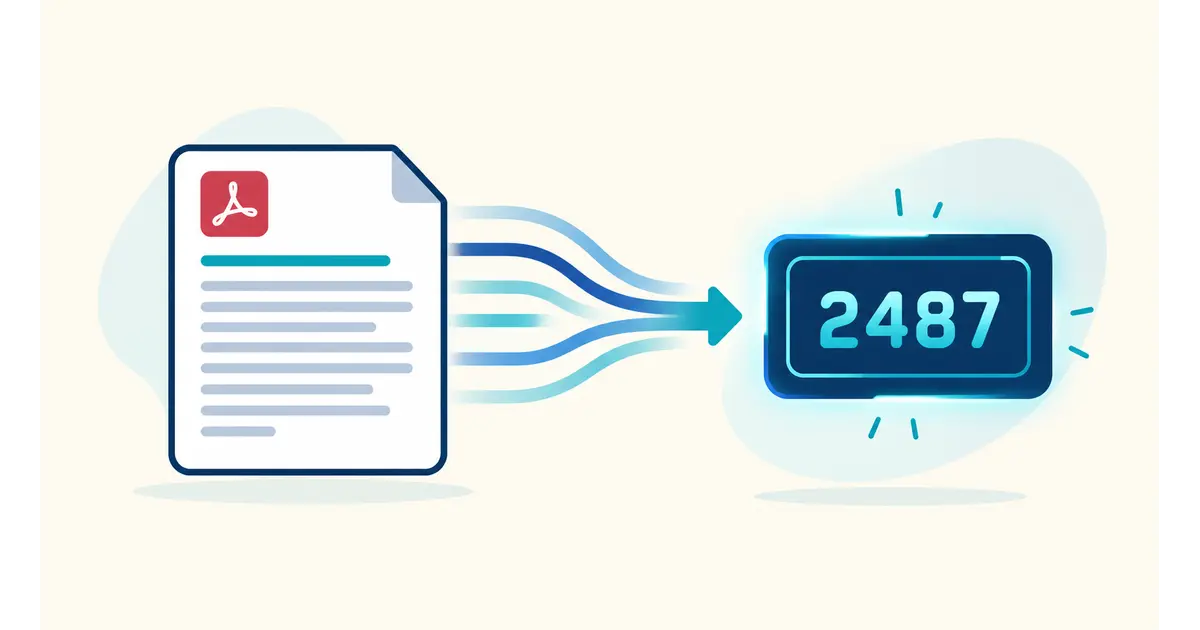
Not every limit is measured in words. Use word count for anything measured the traditional way: essays, manuscripts, articles, cover letters. Switch to character count when a platform enforces a character limit instead of a word limit — meta descriptions, text messages, some online application forms and a handful of academic abstract fields.
This PDF word count checker shows both numbers side by side, so you don’t have to guess which one applies to your situation or run your document through two separate tools. If you only need character count without wanting to count words in PDF form, the same upload works — just read the second stat in the results panel.
One thing to watch: word count and character count don’t scale together in a predictable way. A document full of short words (“a”, “is”, “to”) will have a lower character-to-word ratio than one full of long technical terms, so never assume you can convert one figure to the other with simple multiplication — always check the actual PDF word count directly.
PDF word count checker vs. counting manually
Before tools like this existed, the usual workaround was copying the entire PDF into Microsoft Word and using its built-in word count feature — or worse, counting manually. Both approaches have real problems.
Copying and pasting from a PDF into Word often mangles formatting, drops line breaks in unpredictable places, or fails outright on documents with columns, tables or unusual fonts — and if the paste is incomplete, your word count in the PDF will be wrong without you knowing it. Manual counting is obviously impractical past a page or two, and even the common “count three lines, multiply by pages” estimation trick can be off by hundreds of words on a real manuscript.
A dedicated PDF word counter avoids all of this by reading the text directly from the PDF’s internal structure — the same data the file itself uses to render text on screen — rather than relying on a copy-paste step that can silently lose content. For anything where the number actually matters (a submission limit, a billing rate, an assignment requirement), running it through a proper PDF word count checker takes the same few seconds and removes the guesswork entirely.
Tips for an accurate word count in your PDF
A few things worth knowing before you count words in a PDF, whichever tool you use:
Headers, footers and footnotes are usually included in the count, since they’re real text on the page — if your submission guidelines exclude them, you may need to subtract manually. Tables of contents, indexes and bibliographies are counted too, which can meaningfully inflate the total on a long document; check whether your target word count is meant to cover the whole file or just the body chapters.
Text inside images — a screenshot of a quote, a scanned signature, a diagram with labels — won’t be picked up by any tool that reads embedded PDF text, including this one. If your document mixes real text with image-based content, the count will only reflect the real text.
Finally, if you’re converting from Word or Google Docs, always check word count in PDF form after export, not before. Page breaks, footnotes and embedded objects can shift slightly during conversion, and the PDF is usually the version that actually gets submitted.
Common questions
Does this PDF word counter store or upload my file?
No. Everything happens in your browser — the file never reaches a server, and nothing is saved once you close the tab.
Why does a scanned PDF show 0 words?
Scanned pages are images, not text. This tool reads embedded text directly; it doesn’t run OCR to recognize text inside an image yet.
Is there a file size limit for this PDF word count checker?
Very large PDFs (500+ pages or high-resolution scans) may take a few seconds longer to process, but there’s no hard limit — your browser’s memory is the only constraint.
How is reading time calculated?
At roughly 225 words per minute, a common average adult silent-reading speed. Treat it as a helpful estimate, not an exact figure.
Can I count words across multiple PDFs at once?
Not yet — this tool handles one file at a time. Drop in a new PDF whenever you like to start a fresh count; there’s no limit on how many you run.
Does formatting like bold, footnotes or headers affect the word count in a PDF?
No. The tool counts every real word and character in the document regardless of formatting — headings, footnotes and captions are all included as long as they contain selectable text.
Will this work on my phone or tablet?
Yes. It runs entirely in the browser, so it works on any modern phone, tablet or desktop — tap “Choose file” instead of dragging and dropping.
Is this PDF word counter really free, with no catch?
Yes. No account, no watermark on the result, and no hidden usage limit.
What’s the fastest way to check word count in a PDF manuscript before submitting it?
Export the final version straight from your writing software, upload it here, and read the result — that’s the whole process, and it takes less time than opening Word and running its counter manually. Do this right before you submit, using the exact file you’re sending, so nothing changes between the check and the submission.
Why does Word’s word count differ from this PDF word count checker?
Small differences are normal and usually come down to what each tool treats as a “word” — hyphenated terms, numbers, or footnote markers can be counted slightly differently. If you exported the PDF directly from Word with no other edits, the two numbers should be very close; if they’re far apart, double-check that the PDF wasn’t scanned or flattened to images during export.
Related articles on GetFuturix:
