Notion AI Features 2026: The Complete Tutorial for Beginners
Most people open Notion AI once, ask it to fix a typo, and never touch it again — which is exactly why I wrote this Notion AI features tutorial the way I wish someone had written it for me.
By 2026, Notion AI isn’t a single button that rewrites your paragraph anymore. It’s a full layer of agents, workspace search, meeting notes, and database automation stitched into the same app you already use for notes and to-do lists. This guide walks through how to use Notion AI for beginners, step by step, with the exact clicks, the real 2026 pricing, and a few mistakes I made so you don’t have to.
Notion AI is the built-in AI system inside Notion that writes, edits, and summarizes content, answers questions from across your workspace and connected apps, autofills databases, transcribes meetings, and — as of 2026 — runs multi-step tasks on its own through Notion Agent and Custom Agents. You don’t install anything. It’s already sitting in your sidebar.
Table of Contents
What Notion AI features Actually Is in 2026
Notion started as a note-taking app with a chat window bolted on. That’s not what you’re getting today.
Notion’s AI now works in three layers:
- Reactive AI — you highlight text or type a prompt, it responds. This is the writing/editing layer most people already know.
- Agentic AI — Notion Agent takes a goal (“build a content calendar for Q4”) and executes multiple steps on its own, inside your workspace.
- Automated AI — Custom Agents and Workers run on schedules or triggers, without you opening the app at all.
Beginners usually only discover layer one. The real value — and the reason this tutorial exists — is in layers two and three.
Notion AI Pricing in 2026: What You’ll Actually Pay
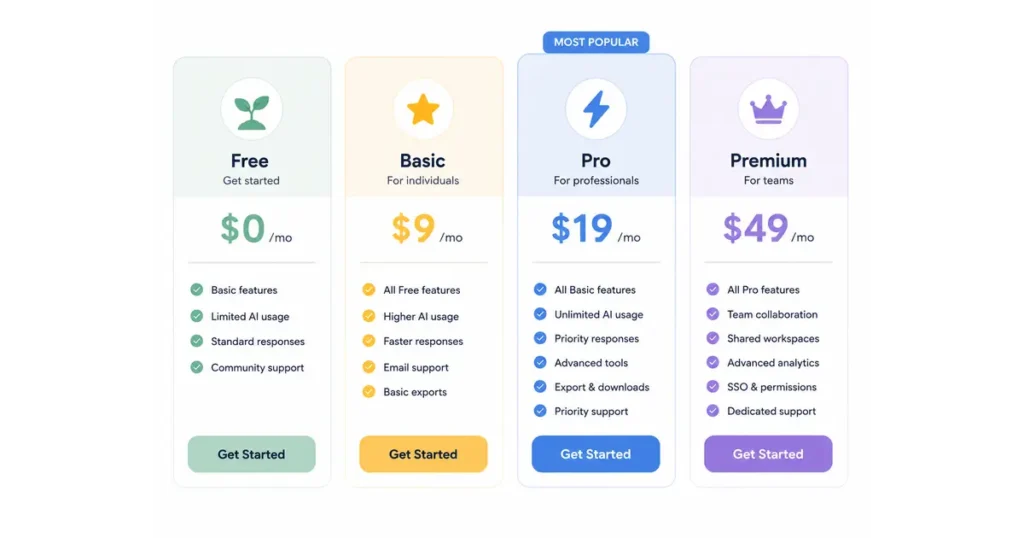
Here’s where a lot of Notion AI content online gets it wrong. I checked directly against Notion’s live pricing page rather than trusting a cached comparison table, because several older “$8/month AI add-on” articles are still circulating — that add-on was discontinued, and full AI now lives inside the Business plan.
| Plan | Price | Notion AI Access |
|---|---|---|
| Free | $0/member/month | Limited trial of Notion Agent, Meeting Notes, and Research mode only |
| Plus | $10/member/month | Same limited trial as Free — not full AI |
| Business (recommended) | $20/member/month | Full Notion Agent, AI Meeting Notes, Enterprise Search (beta), Research mode (beta) |
| Enterprise | Custom pricing | Everything in Business, plus zero data retention with LLM providers |
Both figures above are the annual-billed per-seat rate; paying monthly runs roughly 20% higher on Plus and Business.
Two more costs to know about before you budget:
- Custom Agents are free to try, then billed at $10 per 1,000 monthly Notion credits, pooled across your workspace and reset monthly (they don’t roll over).
- Workers (the beta feature that lets agents run custom code) are free to try right now, but start consuming credits on October 15.
If you’re just writing, editing, and summarizing inside pages, Business at $20/seat covers you completely with no credit meter to watch. Credits only start mattering once you build Custom Agents or Workers.
A quick sanity check on privacy, since it comes up constantly: Notion won’t use your data to train its models unless you explicitly opt in, and standard plans keep a 30-day data retention window with AI subprocessors. Enterprise workspaces get zero retention.
How to Turn On Notion AI and Find It in Your Workspace
You don’t “activate” Notion AI in a settings menu — it’s already live on any paid seat. Here are the four ways to reach it, from easiest to most powerful:
- Press the spacebar on an empty line. A menu of AI actions pops up right where you’re typing — generate text, brainstorm, or draft from a prompt.
- Highlight existing text and click “Ask AI.” This is for editing: fix grammar, change tone, shorten, translate, or explain what you selected.
- Type
/aianywhere on a page. This opens the full AI block menu, including summarize, action items, and translate. - Click the sparkle/face icon in the bottom corner (or press Cmd+J). This opens Notion Agent — the conversational, do-things-for-you layer, not just the writing layer.
If you’re brand new, start with method 1 or 2 for a week before touching Notion Agent. Get comfortable with the writing layer first; the agent layer makes a lot more sense once you already know what a “database property” and a “page” are inside Notion.
The Core Notion AI Features, Explained Simply
Notion Agent
Notion Agent is the “do it for me” layer. Describe a goal in plain English — “turn these scattered meeting notes into a project plan with owners and due dates” — and it works across your pages and databases to build it, working autonomously for stretches of several minutes on complex requests.
It can also draft documents, translate content, and answer questions grounded in your own workspace, with citations back to the source page so you can verify what it’s telling you.
AI Meeting Notes
Connect your calendar and Notion AI joins Zoom, Google Meet, or Teams calls with no separate bot required. It transcribes, generates a summary, and — as of the mid-2026 update — identifies who’s speaking, so action items get assigned to the right person automatically. You can also upload audio recorded elsewhere if the meeting didn’t happen inside a connected call tool.
Enterprise Search (Q&A)
This is the feature that changes how teams actually use Notion. Instead of digging through pages, you ask a plain-language question — “what did we decide about the Q3 roadmap?” — and Notion AI pulls a sourced answer from your workspace and, on Business and above, from connected apps like Slack, GitHub, and Jira, with citations to where it found each fact.
AI Autofill
Hover over any database property, click AI Autofill, and Notion generates that field’s value from the row’s content — summaries, tags, sentiment, extracted dates, translated text. Basic Autofill is included on Business at no extra credit cost; more complex, multi-condition instructions run through the Custom Agent credit system instead.
Research Mode
A deeper-reasoning mode that combines your workspace, connected tools, and live web results to produce a structured report rather than a quick answer. Treat it as the tool you reach for when a question needs synthesis across many sources, not a one-line lookup.
Custom Agents and Workers
This is where Notion stops being reactive. Custom Agents run on a schedule or a trigger — a new database row, a Slack message, a finished meeting note — and complete the same kind of work Notion Agent does, but unattended, 24/7. Workers go a step further, letting you run actual custom code inside Notion’s infrastructure so an agent can pull a precise number from a database instead of estimating one in text.
Both are genuinely useful once your workspace has clean, consistently structured data to work from. Both are also newer, credit-metered features — treat them as an intermediate step once you’re comfortable with the basics, not a day-one project.
Beginner’s note: Custom Agents are still labeled beta, and user reports from early 2026 mentioned scheduled agents occasionally failing to trigger on time. Build a manual fallback for anything time-sensitive until the feature has more track record.
How to Summarize Documents With Notion AI
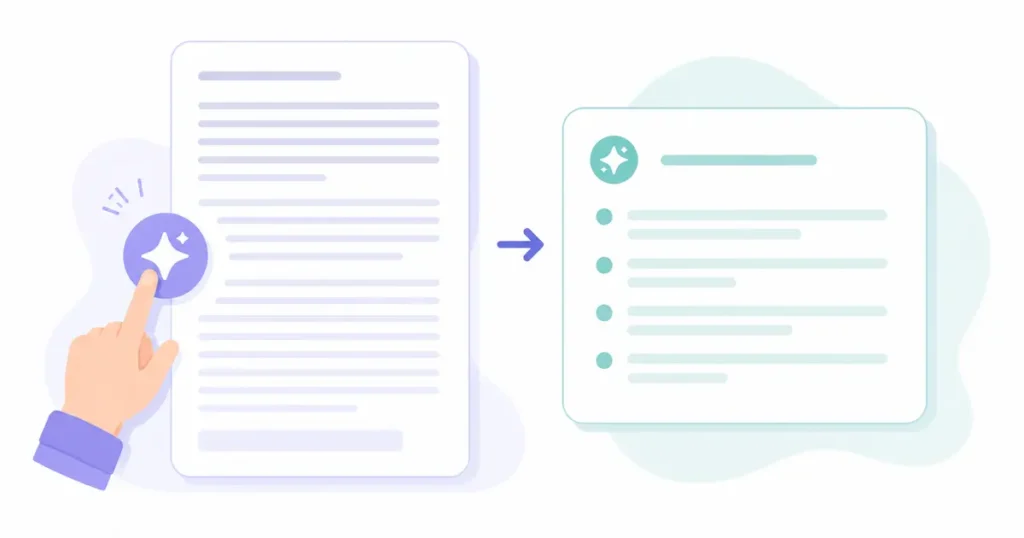
Document summarization is one of the highest-value, lowest-effort things Notion AI does, and it takes about 15 seconds once you know where to look.
- Open the page or paste the document content into a Notion page.
- Select the text (or select nothing to summarize the whole page).
- Type
/ai, choose Summarize, and an AI block generates a condensed version right on the page. - Ask for a specific format if the default doesn’t fit — “summarize as 5 bullet points” or “give me a one-paragraph executive summary” both work as follow-up prompts.
For a single long PDF or a meeting transcript, this beats copy-pasting into a separate chatbot because the summary lands exactly where you’ll actually use it — next to the source, inside your existing workspace structure.
That said, Notion AI isn’t always the right summarization tool. If you’re summarizing a book-length PDF, a dedicated tool with a very large context window will handle it more reliably in one pass. If you’re processing dozens of documents a day, a purpose-built summarizer with batch upload will save more time than doing it one page at a time inside Notion. Use Notion AI when the summary needs to live inside your workspace; reach for a standalone summarizer when volume or document length is the main constraint.
→ See also: 7 Best Free AI Tools to Summarize Textbooks (2026 Guide)
Using Notion AI for Task and Project Management in 2026
Notion AI’s database intelligence is genuinely one of the better AI task management setups available in 2026, mostly because it isn’t a bolt-on — your tasks, notes, and AI live in the same place.
Here’s a beginner-friendly setup that takes under 20 minutes:
- Build the database with Notion Agent. Prompt it directly: “Create a task database with Status, Priority, Owner, and Due Date properties.” Agent builds it and proposes a starting view.
- Turn on AI Autofill for Status or Priority. Point it at a property, describe your logic (“mark High priority if the task mentions a deadline within 7 days”), and let it apply that rule across every row.
- Ask Notion Agent to draft a project plan from raw notes. Paste a messy brain dump of a project and ask it to break the work into tasks with owners and due dates directly into your database.
- Set a Custom Agent for recurring cleanup, like tagging overdue tasks or summarizing completed items into a weekly status update — once you’re past the beginner stage.
Compared to a standalone task manager, the advantage isn’t raw scheduling power — it’s that the AI already has full context on the project notes, the decisions, and the history behind each task, because none of it had to be copied in from somewhere else.
→ See also: How to Summarize Documents With AI in Under 2 Minutes
Notion AI vs ChatGPT vs the Best AI Productivity Apps in 2026
This comparison comes up constantly, and the honest answer is that Notion AI and general-purpose chatbots solve different problems.
| Title | Notion AI | ChatGPT / Claude | Dedicated summarizer (e.g., NotebookLM) |
|---|---|---|---|
| Best for | Work that lives inside your workspace already | Open-ended reasoning, research, coding | High-volume or very long document summaries |
| Knows your data | Yes — pages, databases, connected apps | No, unless you paste it in each time | Only what you upload per session |
| Runs tasks autonomously | Yes, via Notion Agent / Custom Agents | Limited, tool-dependent | No |
| Starting cost (2026) | $20/seat/month (Business) | $20/month (Plus-tier equivalents) | Often free for light use |
If your work already lives in Notion pages and databases, Notion AI removes the copy-paste step entirely, which is where most of its time savings come from. If you need deep, open-ended reasoning, live web research, or heavy coding help, a general-purpose assistant is still ahead on raw capability. Plenty of people I’ve talked to run both — Notion AI for anything touching their workspace, a general chatbot for everything else.
Among the wider field of best AI productivity apps in 2026, Notion AI’s differentiator isn’t raw model quality — Notion routes requests to several leading model providers rather than building its own frontier model — it’s that the AI is never more than one click from the exact page or database it needs to act on.
5 Beginner Mistakes to Avoid With Notion AI
I made most of these in my first month, so consider this the shortcut:
- Jumping straight to Custom Agents. Learn the writing and Autofill layers first — agents amplify whatever structure (or mess) already exists in your workspace.
- Feeding AI Autofill vague instructions. “Assign a status” produces inconsistent results. “Mark In Progress only if the task has an owner and no open blockers” doesn’t.
- Ignoring the credit dashboard. If you’re on Business and start experimenting with Custom Agents, check Settings → Notion AI → credits before you build a workflow around them, not after.
- Treating beta features as production-ready. AI Meeting Notes and Research mode are stable; Custom Agents and Workers still carry beta caveats worth respecting on anything time-sensitive.
- Never checking the citations. Enterprise Search and Q&A both cite their sources — click through occasionally instead of trusting every synthesized answer blindly.
Is Notion AI Worth It in 2026?
For a solo user who just wants writing help, no — Plus at $10 only gives you a limited trial, and paying $20 for Business just to unlock AI is a steep jump if writing assistance is all you need. A free-tier general chatbot will cover that need for less.
For anyone already running projects, docs, or a team wiki inside Notion, the calculus flips. The value isn’t the writing assistant — it’s Q&A that actually knows your workspace, meeting notes that land exactly where your team already looks, and database automation that would otherwise take a separate no-code tool. If you’re paying for Business anyway for the collaboration features, the AI layer is close to free upside.
Notion AI Features: FAQs
Is Notion AI free?
Not in any meaningful sense past a trial. Free and Plus give you a limited trial of Notion Agent, Meeting Notes, and Research mode. Full access requires the Business plan at $20/member/month.
How much does Notion AI cost in 2026?
Business runs $20/member/month (billed annually) and includes full AI. Custom Agents and Workers are metered separately at $10 per 1,000 credits once their free-trial periods end.
Can Notion AI summarize PDFs and long documents?
Yes — paste the content into a page, select it, and use the Summarize AI block. For very long or high-volume documents, a dedicated summarizer with a larger context window will often be faster.
What’s the difference between Notion Agent and Custom Agents?
Notion Agent responds to a prompt you give it in the moment. Custom Agents run unattended, triggered by a schedule or an event, and are billed through the credit system rather than included with your seat.
Does Notion AI work on mobile?
Yes. As of the early-2026 mobile update, Notion Agent can build databases, create forms, and search your workspace from the phone app, not just the desktop version.
Is Notion AI better than ChatGPT?
Neither wins outright — they solve different problems. Notion AI wins when the task needs your existing workspace context; a general-purpose assistant wins for open-ended reasoning, research, and coding untethered to any single app.
Does Notion AI train on my data?
No, not by default. Notion states it won’t use your data to train its models unless you explicitly opt in, and Enterprise plans get zero data retention with the underlying AI providers.
Are Notion Custom Agents reliable enough to depend on?
Mostly, but they’re still labeled beta. Early 2026 user reports noted occasional missed scheduled runs — build a manual check for anything genuinely time-sensitive until the feature matures further.
Sources: Notion’s official AI product page, Notion’s live pricing page, and Notion’s release notes, verified August 2026.