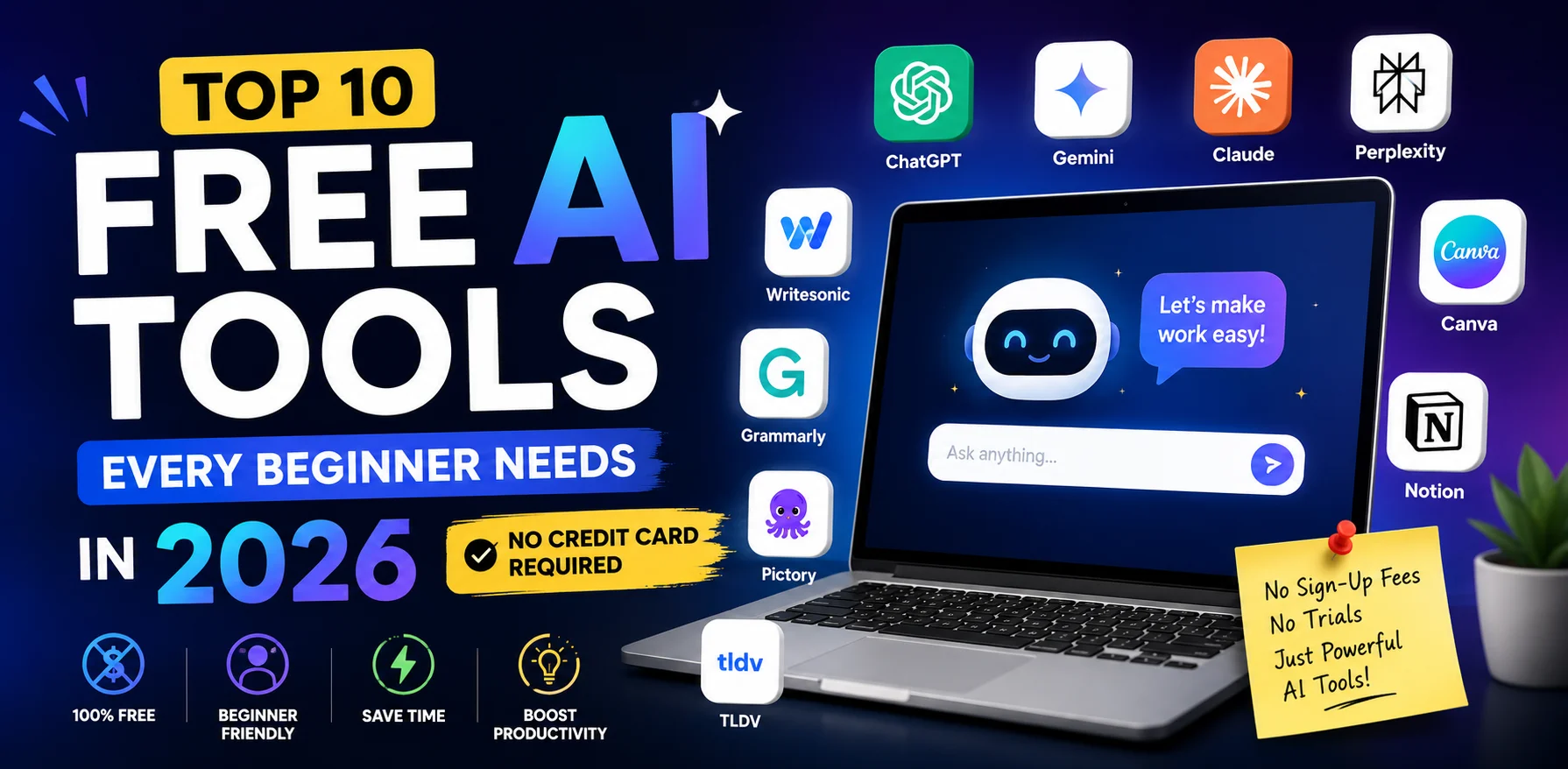
The best free AI tools for beginners in 2026 are easier to use, more powerful, and more accessible than ever — and every single one on this list costs you exactly nothing to start.
If you have been wondering which free AI tools for beginners are genuinely worth your time — not just hyped-up tools with a 7-day trial that disappears — this is the guide you need. We have tested every tool below and selected only those with a real, permanent free plan that beginners can use from day one.
No credit card. No coding knowledge. No experience required.
Here are the top 10 free AI tools for beginners in 2026 that will save you time, improve your work, and get you future-ready starting today.
Table of Contents
What Makes an AI Tool Truly Beginner-Friendly?
Before we dive into the list of free AI tools for beginners, it is worth being clear about what “beginner-friendly” actually means. Many guides call a tool “beginner-friendly” when it still requires a credit card, a technical setup, or 30 minutes of configuration before you can do anything useful.
For this guide, every free AI tool for beginners we recommend must pass all three tests:
- Genuinely free — no credit card, no countdown timer, no bait-and-switch free trial
- Zero technical setup — works in a browser in under five minutes
- Usable within one session — if you need a tutorial just to find the main feature, it does not qualify as a beginner tool
Furthermore, the best free AI tools for beginners also need to offer real value on the free plan — not just a crippled preview that forces an upgrade the moment you try to do something useful.
Every tool on this list clears all three bars. However, if a tool has meaningful free plan limits you need to know about, we tell you upfront.
Top 10 Free AI Tools for Beginners in 2026
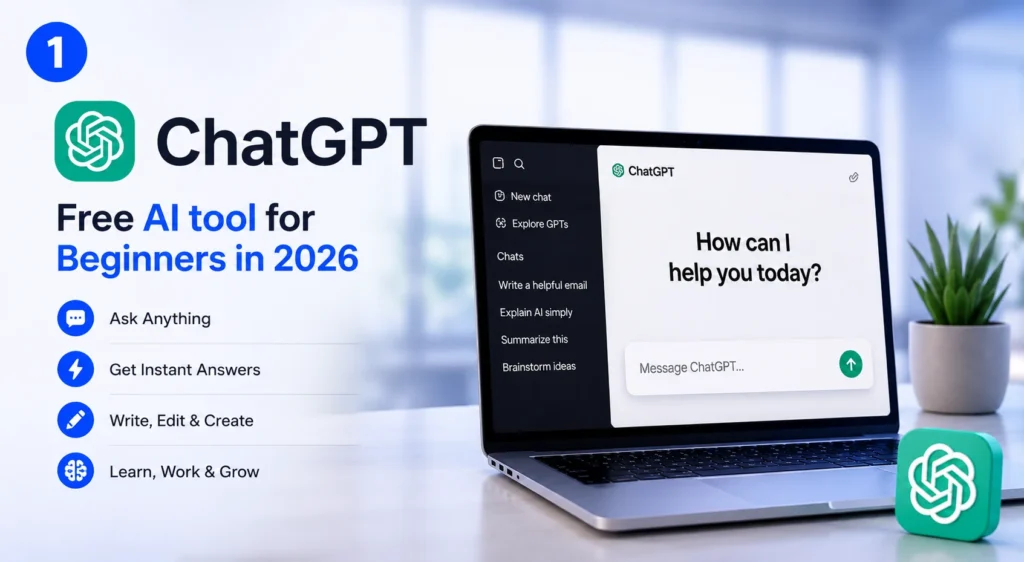
1. ChatGPT — Best All-Round Free AI Tool for Beginners
Best for: Writing, answering questions, brainstorming, summarising, planning
ChatGPT is the most important of all free AI tools for beginners to understand first — not because it is the flashiest, but because using it daily builds the mental model you need for every other AI tool. Once you understand how to talk to ChatGPT, every other tool on this list becomes easier.
The free tier (powered by GPT-4o mini) is more capable than most beginners realise. Here is what you can do with it at no cost:
- Draft emails, captions, blog posts, and reports in seconds
- Summarise long documents by pasting the text directly
- Ask it to explain any concept in plain language
- Generate 20 business ideas in under a minute
- Answer complex questions with step-by-step breakdowns
Free plan details: 40 messages per 3 hours on GPT-4o mini. Unlimited on the base GPT model.
Where to start: chat.openai.com — sign up free with your email.
Beginner tip: The single biggest mistake new users make is treating ChatGPT like a search engine. Instead, treat it like a knowledgeable colleague. Give context, ask follow-up questions, and tell it when something is wrong. The more conversational you are, the better your results from this free AI tool for beginners.
→ See also: How to Use ChatGPT for Beginners: (2026) Complete Guide with Best ChatGPT Prompts
2. Perplexity AI — Best Free AI Tool for Beginners Who Need Research
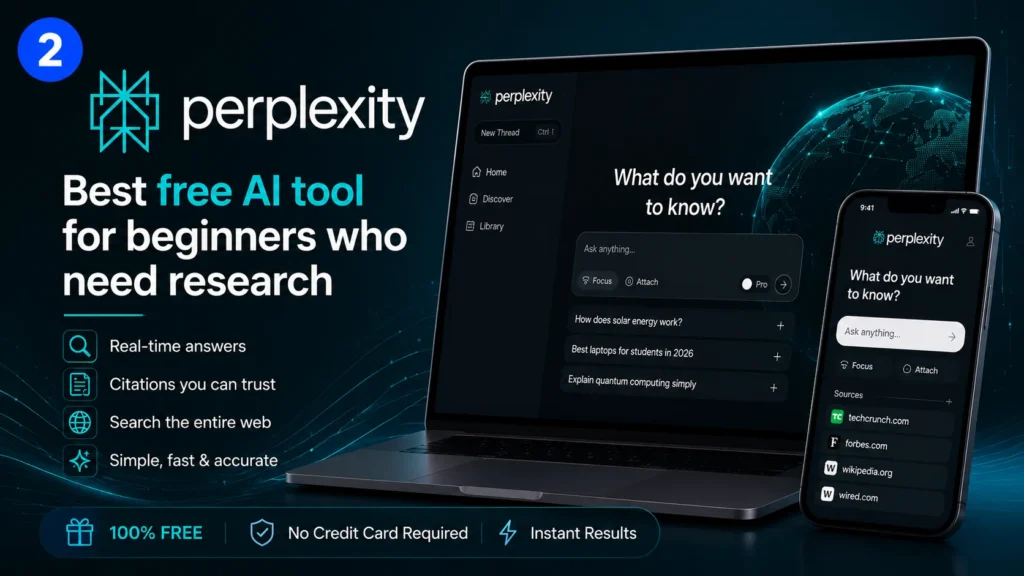
Best for: Research, fact-finding, cited answers, replacing basic Google searches
Perplexity AI is the most underrated of all free AI tools for beginners available today. Unlike ChatGPT, it searches the live web in real time and shows you exactly which sources it used — making it dramatically safer for any content that requires accuracy.
Type any question and receive a concise, source-cited answer within seconds. You can ask follow-up questions naturally, and Perplexity remembers the context of your entire conversation so you never have to repeat yourself.
Why beginners love this free AI tool: The source citations mean you can verify everything instantly. For students, small business owners, and content creators who need to fact-check, this feature alone makes Perplexity one of the most valuable free AI tools for beginners in 2026.
Free plan details: Unlimited basic searches. Five Pro searches per day (Pro uses more powerful models and broader sources).
Where to start: perplexity.ai — no account required to start immediately.
Beginner tip: Use Perplexity when you need reliable, sourced facts. Use ChatGPT when you need creative output or written drafts. Together, they form the perfect free AI pair for any beginner.
3. Google Gemini — Best Free AI Tool for Beginners Who Already Use Google
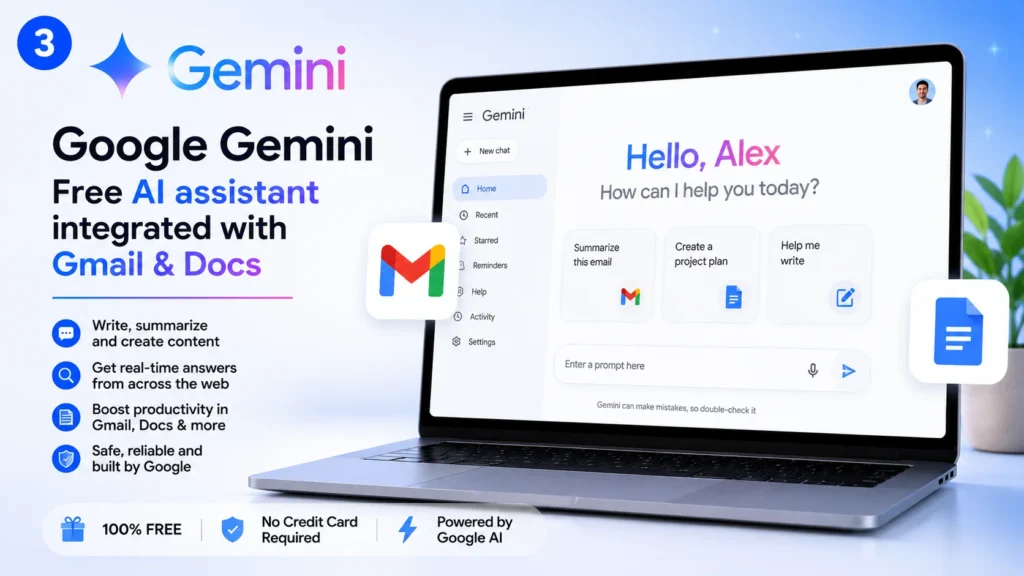
Best for: Gmail drafting, Google Docs summaries, Drive file analysis, Google Search enhancement
Google Gemini is arguably the easiest of all free AI tools for beginners to adopt — because if you already use Gmail, Google Docs, or Google Drive, you do not need to learn anything new. Gemini is built directly into the tools you already use every day.
What beginners can do with the free plan inside their existing Google account:
- Draft and reply to emails in Gmail with one click
- Summarise long Google Docs without reading them
- Generate images directly in Google Slides presentations
- Ask questions about any file stored in your Google Drive
- Get AI-powered suggestions inside Google Search
Free plan details: Available to all Google account holders at no cost whatsoever.
Where to start: gemini.google.com or look for the Gemini icon inside Gmail and Docs.
Moreover, because Gemini integrates directly into Google Workspace, it is the most frictionless free AI tool for beginners who work within the Google ecosystem daily.
4. Canva AI — Best Free AI Tool for Beginners Creating Visual Content
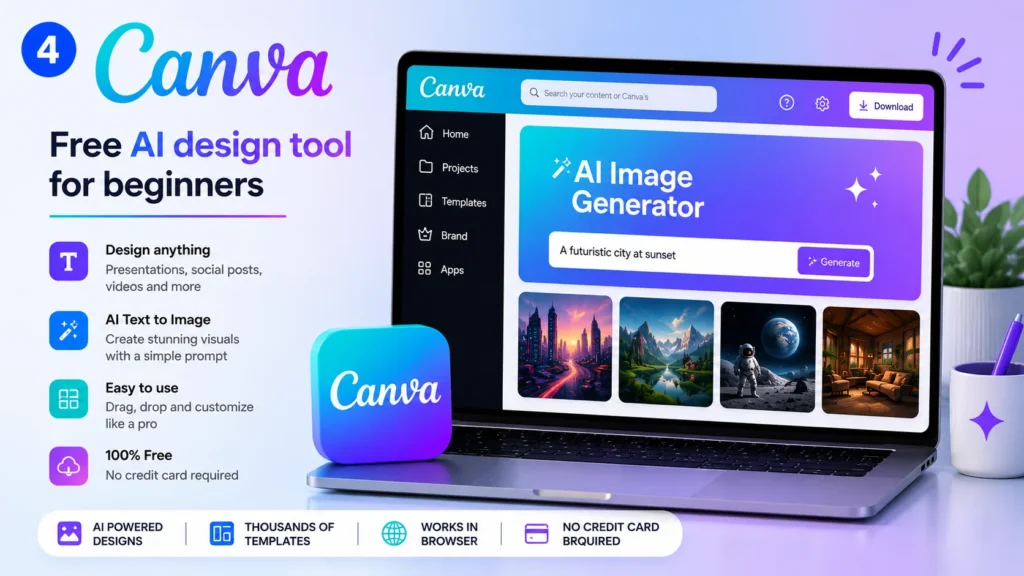
Best for: Social media graphics, presentations, thumbnails, logos, marketing materials
Canva has always been the easiest design tool for non-designers, and in 2026 its AI features make it one of the most powerful free AI tools for beginners in the creative space. Furthermore, the free plan includes AI features that would have cost hundreds of dollars in professional design software just three years ago.
Free AI features inside Canva:
- Magic Write — generate text for any design element instantly
- Text to Image — generate custom images from a plain English description
- Background Remover — remove backgrounds from photos (limited free uses)
- Magic Resize — instantly resize any design for different social media platforms
- AI presentation builder — describe your topic and receive a full presentation draft
Additionally, Canva is one of the few free AI tools for beginners that combines design, writing, and image generation in a single tool — meaning you do not need three separate apps to create professional-looking content.
Free plan details: Generous free tier with limited AI credits per month. More than sufficient for beginners.
Where to start: canva.com — sign up free and search for any template to begin immediately.
5. Notion AI — Best Free AI Tool for Beginners Who Take Notes
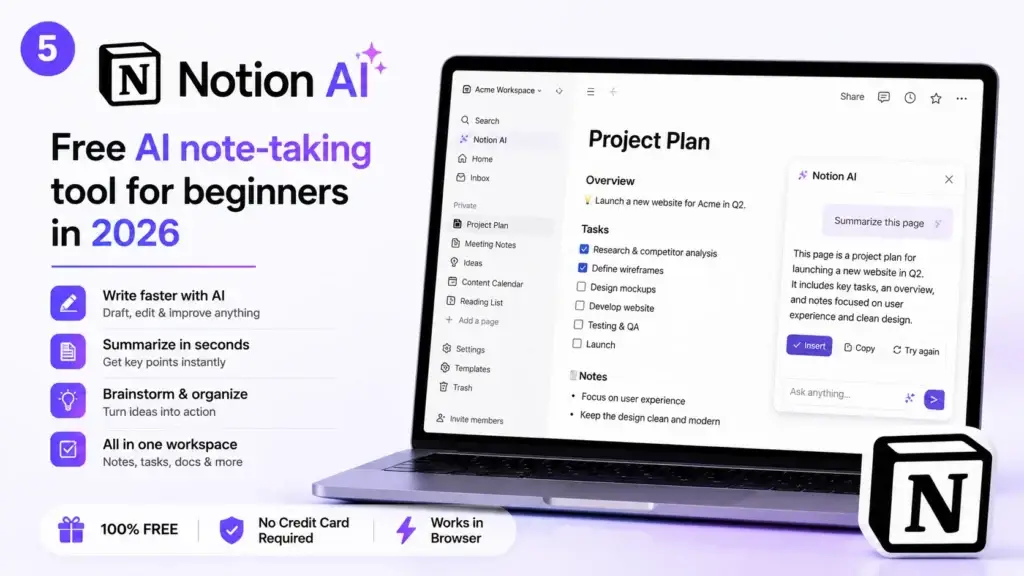
Best for: Notes, task management, writing drafts, meeting summaries, personal organisation
Notion is the most popular all-in-one workspace for notes and documents, and in 2026 its AI layer makes it one of the smartest free AI tools for beginners for personal productivity. The free plan gives you access to Notion’s full workspace with a limited number of AI responses each month — which is more than enough to experience how it changes your workflow.
What Notion AI does for beginners on the free plan:
- Summarise any page or set of notes in one click
- Draft content directly inside your existing notes
- Turn messy bullet points into polished, professional prose
- Generate action items automatically from meeting notes
- Translate content between languages without leaving the app
Free plan details: 20 free AI responses per month. Then $10 per month for unlimited.
Where to start: notion.so — sign up free and start with any pre-built template.
However, even with 20 free responses per month, Notion AI is one of the most impactful free AI tools for beginners for building daily productive habits around your notes and tasks.
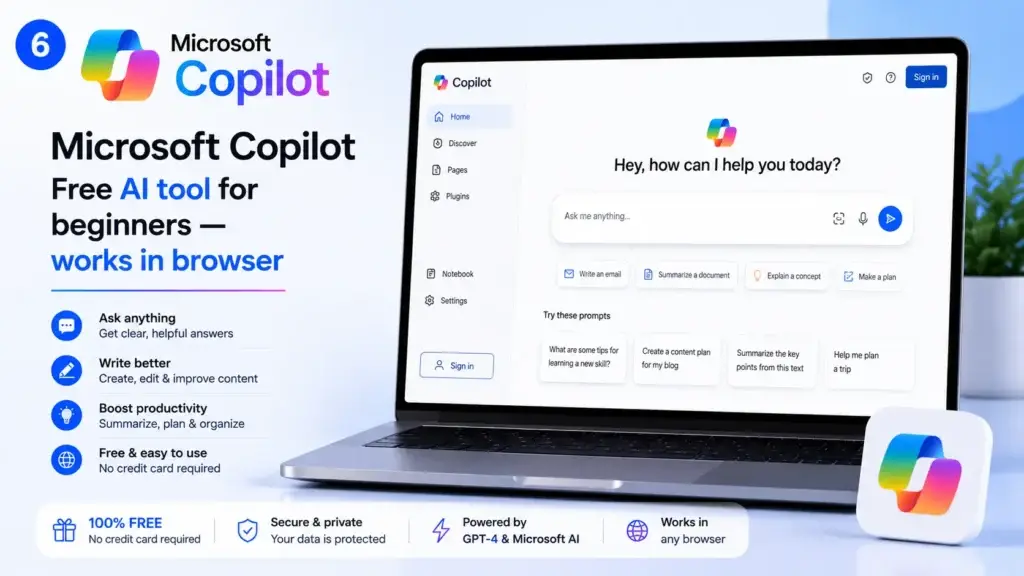
6. Microsoft Copilot — Best Free AI Tool for Beginners Using Windows or Office
Best for: Word documents, Excel formulas, PowerPoint slides, general AI questions, image generation
Microsoft Copilot is effectively GPT-4 — the same technology powering ChatGPT — built directly into Windows, the Edge browser, and Microsoft 365. Therefore, if you use any Microsoft product, this is one of the free AI tools for beginners you already have access to.
The standalone Copilot at copilot.microsoft.com gives you:
- Full GPT-4 level responses with no hard usage caps on the base model
- Free image generation via Microsoft Designer (powered by DALL-E 3)
- Live web search with cited sources in every answer
- PDF and document reading and summarisation
- Code writing and explanation
The key advantage over ChatGPT’s free plan: Microsoft Copilot includes free image generation, while ChatGPT’s free tier does not. This makes it one of the most complete free AI tools for beginners who also want to create visual content.
Free plan details: Genuinely unlimited on the base model. No account required for basic use.
Where to start: copilot.microsoft.com — works in any browser immediately.
Beginner tip: Click the “Image Creator” option inside Copilot to generate up to 15 free images per day — perfect for blog thumbnails, social media posts, or presentation slides. This is one of the most underused features of all free AI tools for beginners available today.
7. ElevenLabs — Best Free AI Voice Generator for Beginners
Best for: Voiceovers for videos, podcast intros, audio content, narrated presentations
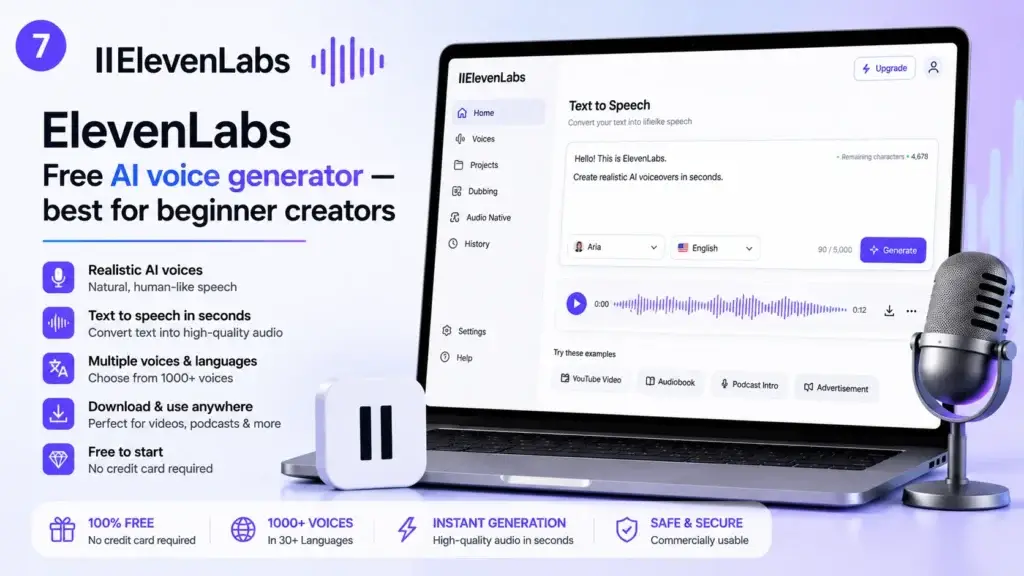
ElevenLabs produces the most realistic AI voices available to the public in 2026, and their free plan gives beginners a genuine monthly allowance to work with. Among all free AI tools for beginners who create video or audio content, ElevenLabs is the most important one to start with.
Simply paste any text, choose from 30-plus professional voices, and download your audio in seconds. The voices are natural enough that most listeners cannot tell they are AI-generated — which gives beginners professional-quality production without professional-level costs.
Free plan details: 10,000 characters per month (roughly 10 minutes of audio). More than 30 pre-made voices. Multiple languages supported.
Where to start: elevenlabs.io — sign up free and paste any text to hear it instantly.
8. DALL-E 3 via Microsoft Copilot — Best Free AI Image Generator for Beginners
Best for: Blog featured images, social media visuals, product mockups, creative projects
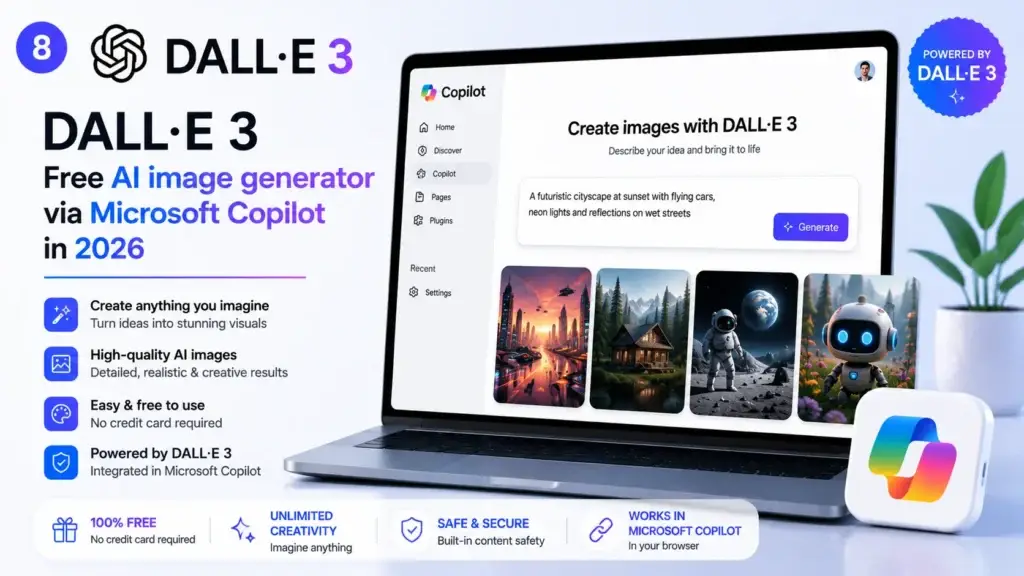
DALL-E 3 is the most capable AI image generator for text accuracy — meaning when you describe an image in plain English, it produces exactly that. For beginners, this text accuracy is what makes it the most accessible of all free AI tools for beginners in the image generation category.
Access DALL-E 3 for free via Microsoft Copilot at copilot.microsoft.com with no additional sign-up. You receive 15 free image generations per day — which is more than enough for most beginners.
Why it beats the alternatives for beginners: Other image generators often require learning prompt engineering to get good results. DALL-E 3 understands natural language descriptions well enough that beginners can describe what they want in plain English and consistently get results that match.
Free plan details: 15 images per day via Microsoft Copilot Image Creator. No account required to start.
9. Otter.ai — Best Free AI Tool for Beginners Who Attend Meetings
Best for: Recording and transcribing meetings, interviews, lectures, voice notes
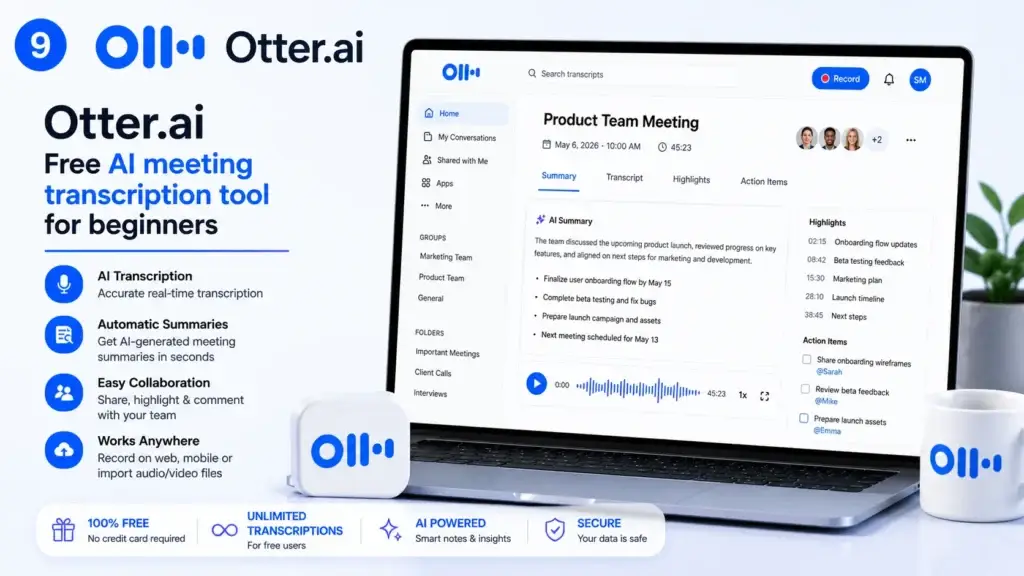
If you sit in meetings that produce nothing but forgotten conversations, Otter.ai is the free AI tool for beginners that solves that problem permanently. It records, transcribes, and summarises any meeting or voice note in real time — and the free plan provides a genuinely useful monthly allowance.
Otter.ai connects directly to Zoom, Google Meet, and Microsoft Teams, joining as an automatic note-taker. At the end of any meeting, the AI generates a clean summary with action items — so you never have to re-read a full transcript.
Free plan details: 300 transcription minutes per month. 30-minute limit per individual conversation. Works with all major video conferencing platforms.
Where to start: otter.ai — download the app or use the browser version.
Beginner tip: Use Otter.ai for every important client call, team meeting, or creative brainstorm. The AI summary alone makes it one of the highest-value free AI tools for beginners on this list — it turns a forgotten 60-minute meeting into a clean one-page action plan in seconds.
10. Zapier — Best Free AI Automation Tool for Beginners
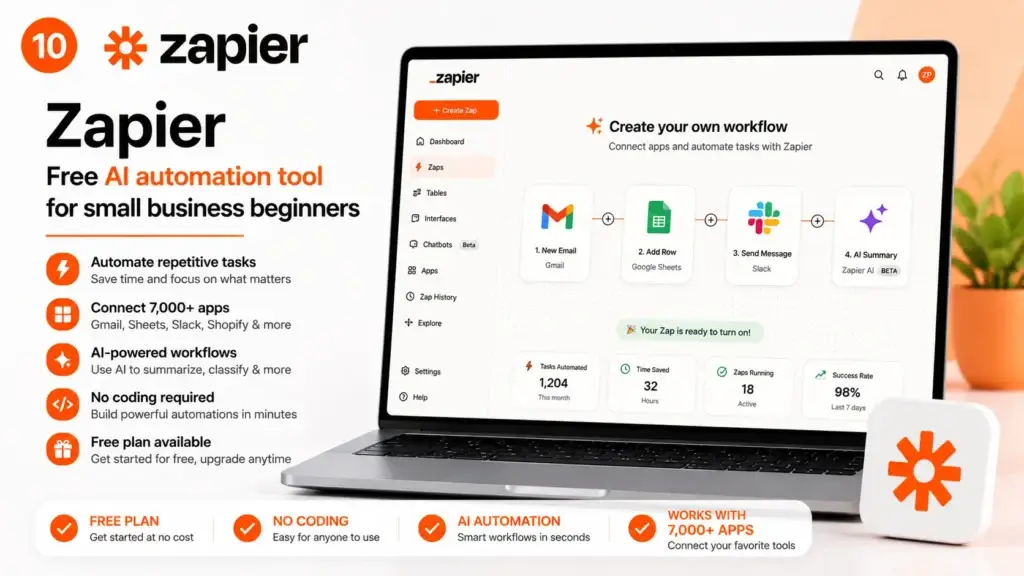
Best for: Connecting apps, automating repetitive tasks, building simple workflows without coding
Zapier is the most powerful of all free AI tools for beginners who want to save time on repetitive digital tasks — because instead of doing one specific thing, it connects all your other tools together and automates the steps between them.
In 2026, Zapier’s AI feature lets you describe any automation in plain English and builds the workflow for you. You do not need to understand how it works technically — you just describe the outcome you want.
Examples of free automations beginners build immediately:
- When a new email arrives in Gmail → automatically save the attachment to Google Drive
- When a new form is submitted → create a task in Notion automatically
- When you publish a new blog post → share it to social media without touching anything
Free plan details: Five active automations (Zaps) and 100 tasks per month. Sufficient for most individual beginners.
Where to start: zapier.com — the AI-powered Zap builder lets you describe what you want in plain English.
Free AI Tools for Beginners: Comparison Table
The table below compares all 10 free AI tools for beginners at a glance so you can choose the right starting point for your situation.
| Free AI Tool | Best Use | Free Limit | Credit Card? | Beginner Level |
|---|---|---|---|---|
| ChatGPT | Writing & Q&A | 40 msgs / 3 hrs (GPT-4o mini) | No | ⭐ Easiest |
| Perplexity AI | Research & fact-checking | Unlimited basic searches | No | ⭐ Easiest |
| Google Gemini | Gmail & Docs users | Unlimited (Google account) | No | ⭐ Easiest |
| Canva AI | Design & visual content | Limited AI credits / month | No | ⭐ Easiest |
| Notion AI | Notes & productivity | 20 AI responses / month | No | ⭐ Easy |
| Microsoft Copilot | Office & image gen | Unlimited base + 15 images / day | No | ⭐ Easiest |
| ElevenLabs | AI voiceovers | 10,000 chars / month (~10 min) | No | ⭐ Easy |
| DALL-E 3 (Copilot) | Image generation | 15 images / day | No | ⭐ Easiest |
| Otter.ai | Meeting transcription | 300 mins / month | No | ⭐ Easy |
| Zapier | Task automation | 5 Zaps · 100 tasks / month | No | ⭐⭐ Moderate |
How to Start Using Free AI Tools as a Complete Beginner
The most common mistake beginners make with free AI tools for beginners is trying to learn all of them simultaneously. That approach leads to overwhelm and to abandoning all of them within a week.
Instead, follow this structured three-week approach to using free AI tools for beginners for the first time:
Week 1 — Pick One Free AI Tool and Use It Every Day
Start with ChatGPT or Microsoft Copilot. Use it for 10 minutes every day on a task you already need to do — drafting an email, summarising a document, writing a social media caption. Do not move to a second tool until this one feels natural.
The goal in week one is not to become an expert. The goal is to build the habit of reaching for a free AI tool for beginners before doing things manually.
Week 2 — Add One Tool That Fills a Specific Gap
Once ChatGPT or Copilot feels comfortable, add one more free AI tool for beginners that solves a specific problem in your life:
- If you create visual content → add Canva AI
- If you attend meetings → add Otter.ai
- If you research topics → add Perplexity AI
- If you create videos or audio → add ElevenLabs
One addition per week prevents the overwhelm that stops most beginners from sticking with free AI tools long enough to see real results.
Week 3 — Start Connecting Your Free AI Tools Together
Once you have two or three free AI tools for beginners running in your daily workflow, look at Zapier to connect them automatically. This is where the real time savings begin to compound.
Moreover, as you add more free AI tools for beginners to your stack, you will notice that the biggest wins come not from individual tools but from the workflows you build between them. A beginner who uses three tools together intelligently saves far more time than a beginner using ten tools separately.
Frequently Asked Questions About Free AI Tools for Beginners
Q: Are these really free AI tools for beginners, or do they have hidden costs?
A: Every free AI tool for beginners on this list offers a genuine permanent free plan — not a countdown trial. You can use them indefinitely on the free tier. However, every tool also offers a paid upgrade for heavier use. The free plans listed here are fully functional for individual beginners starting out in 2026.
Q: Do I need any technical skills to use these free AI tools for beginners?
A: No. Every free AI tool for beginners on this list was specifically selected because it requires zero technical background. If you can type a question into a search bar, you can use every tool above. The average beginner is productive within five minutes of signing up.
Q: Which is the best free AI tool for beginners to start with first?
A: The best free AI tool for beginners to start with depends on what you do most. If you write anything — emails, posts, reports — start with ChatGPT. If you design content, start with Canva AI. If you attend meetings, start with Otter.ai. If you already live in Google tools, start with Gemini. There is no single “best” — there is only the best starting point for your specific situation.
Q: Is it safe to use these free AI tools for beginners with my business information?
A: As a general rule, never put passwords, financial data, or NDA-protected client information into any public AI tool. For general business use — writing, research, design, planning — all the free AI tools for beginners listed above are safe and used by millions of businesses globally. Most platforms also let you disable the use of your data for model training in their settings.
Q: How many free AI tools should a beginner use at once?
A: Start with one free AI tool for beginners and add one more per week. Most beginners benefit most from mastering two to three tools deeply rather than signing up for ten and using none of them consistently. The compounding value of free AI tools for beginners comes from daily use, not from the number of tools in your account.
Q: Can I use these free AI tools for beginners on mobile?
A: Yes. ChatGPT, Perplexity AI, Canva, Notion, Microsoft Copilot, Otter.ai, and ElevenLabs all have dedicated mobile apps that are fully functional on the free plan. Additionally, Google Gemini is native to all Android devices. Mobile access makes these free AI tools for beginners even more convenient to build into your daily routine.
Q: What is the difference between these free AI tools for beginners and paid AI tools?
A: The main differences between free AI tools for beginners and their paid equivalents are usage limits, processing speed, and access to more advanced model versions. However, for a beginner just starting out in 2026, the free plans listed above provide more than enough capability to deliver real, tangible results. Most users find they can achieve their goals with the free AI tools for beginners on this list for many months before an upgrade makes sense.
Final Thoughts: Your Next Step With Free AI Tools for Beginners
You now have the complete, tested list of free AI tools for beginners in 2026 that deliver real results without a credit card, a technical setup, or any prior experience.
The research is done. The comparison table is ready. Every free AI tool for beginners on this list is waiting at its sign-up page right now.
The question is no longer which free AI tools for beginners to use. The only question is which one you will open in the next five minutes.
Start with ChatGPT at chat.openai.com. Use it for 10 minutes today. Return to this list of free AI tools for beginners when you are ready to add the next one to your workflow.
Every person who started using free AI tools for beginners six months ago is now working faster, producing more, and spending less time on tasks they used to do manually. The gap between people who use these tools and people who do not is growing every month.
Start today. Your future self will thank you.
Did you find this guide to free AI tools for beginners useful? Share it with someone who needs it — and browse our full library of beginner AI tutorials and honest tool comparisons at Getfuturix.com.
Related articles on GetFuturix: