
Slug Generator
Turn any title into a clean, SEO-friendly URL slug — live, private and ready to copy.
- 100% private, in your browser
- No sign-up, no watermark
- Live results, bulk-ready
Slug Generator is a free, browser-based tool that turns any title into a clean, readable URL slug in one step. Type or paste a heading, and this slug generator strips out spaces, capital letters, accents and punctuation, joins the remaining words with the separator you choose, and shows the finished slug live — ready to copy into WordPress, Shopify, Next.js or any other CMS.
Think of it as a URL slug generator and a text to URL slug converter in one. You can switch stop-word removal on or off, convert accented letters to plain a–z, cap the length at a whole word, and process a long list at once by putting one title per line. Everything is calculated locally, so your draft titles are never uploaded or stored — which matters when the headline of an unpublished article is still confidential.
Writers, bloggers, developers and SEO teams all end up needing the same thing: a short, consistent web address that people can read and search engines can parse. If you have ever wondered how to slugify text online without installing a package or writing a regular expression, this SEO slug generator does it in about a second.
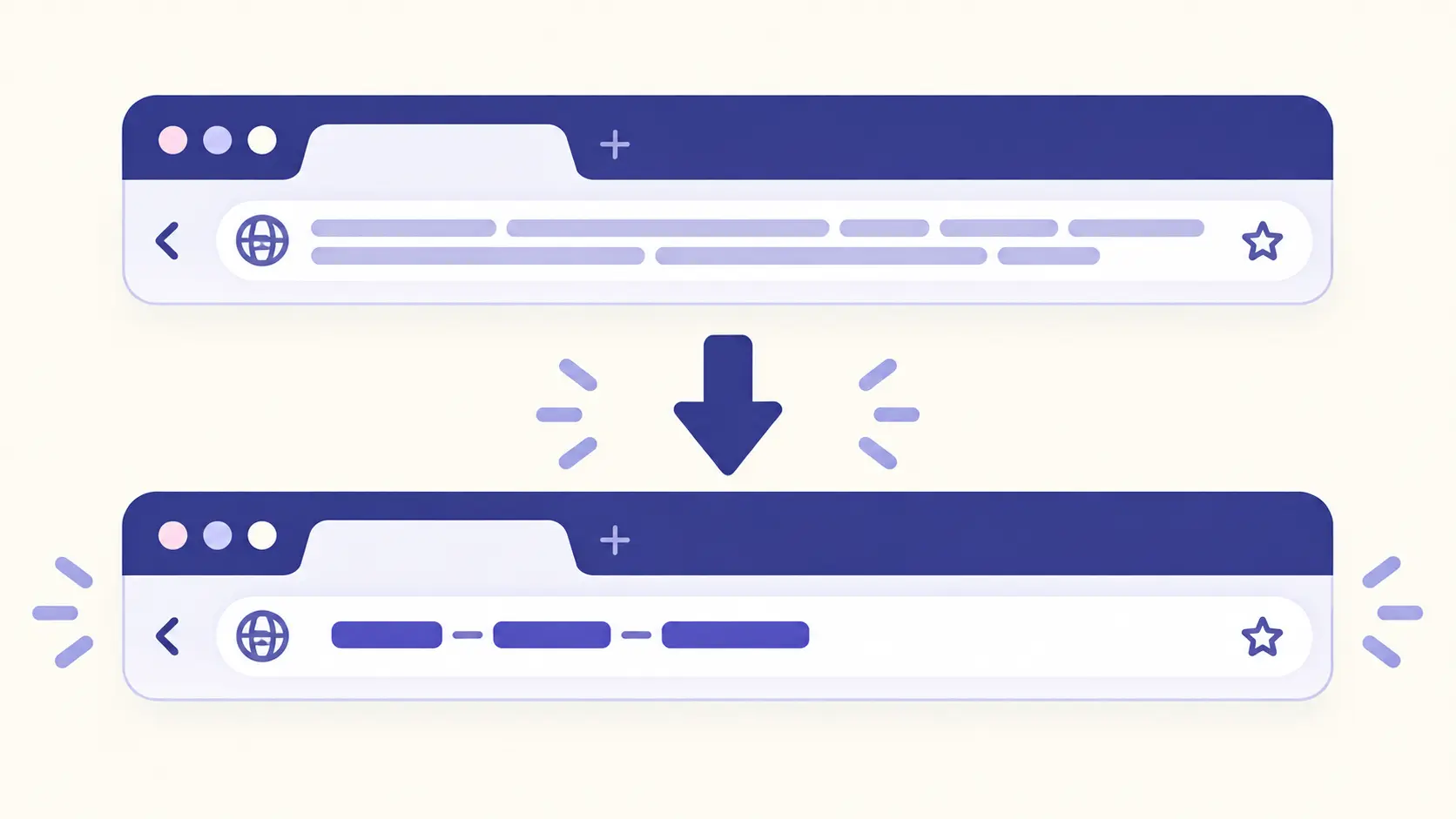
What makes a good URL slug
A URL slug is the part of a web address that identifies one specific page, written after the domain. In getfuturix.com/slug-generator/ the slug is slug-generator. A good slug does three jobs at once: it tells a visitor what the page is about before they click, it gives search engines a plain-language hint about the topic, and it stays stable for years so that links keep working.
Length. Shorter slugs are easier to read, remember and share, and they are less likely to be cut off when pasted into a chat or an email. Google does not publish a character limit, but a rule of thumb many SEO teams follow is three to five meaningful words, or roughly 60 characters. This slug generator shows a live length indicator so you can see when a slug is getting long.
Keywords. Put the main topic of the page in the slug, using the words people would actually search for. A slug like best-running-shoes-for-flat-feet is descriptive; page-2-final-v3 tells nobody anything. Do not stuff it, though — one clear phrase beats a string of repeated keywords.
Readability. Use lowercase letters, numbers and hyphens. On many servers the path part of a URL is case-sensitive, so mixed-case slugs can create accidental duplicate pages. Avoid spaces (they turn into %20), avoid special characters such as & ? # % and quotation marks, and skip dates unless the date really is part of the page's identity.
How to use this slug generator
- Type or paste your title into the box — or press Try an example to see how it works.
- Pick a separator. The hyphen is the standard choice for web pages.
- Decide how to treat letters: convert accents to plain a–z, or keep letters exactly as typed.
- Switch on stop-word removal or set a maximum length if you want a shorter slug.
- Check the live length indicator, then press Copy.
To create several slugs at once, paste one title per line. The tool returns one slug per line in the same order, so you can paste the whole list straight back into a spreadsheet or a content calendar.
Slugify text online: what the tool does, step by step
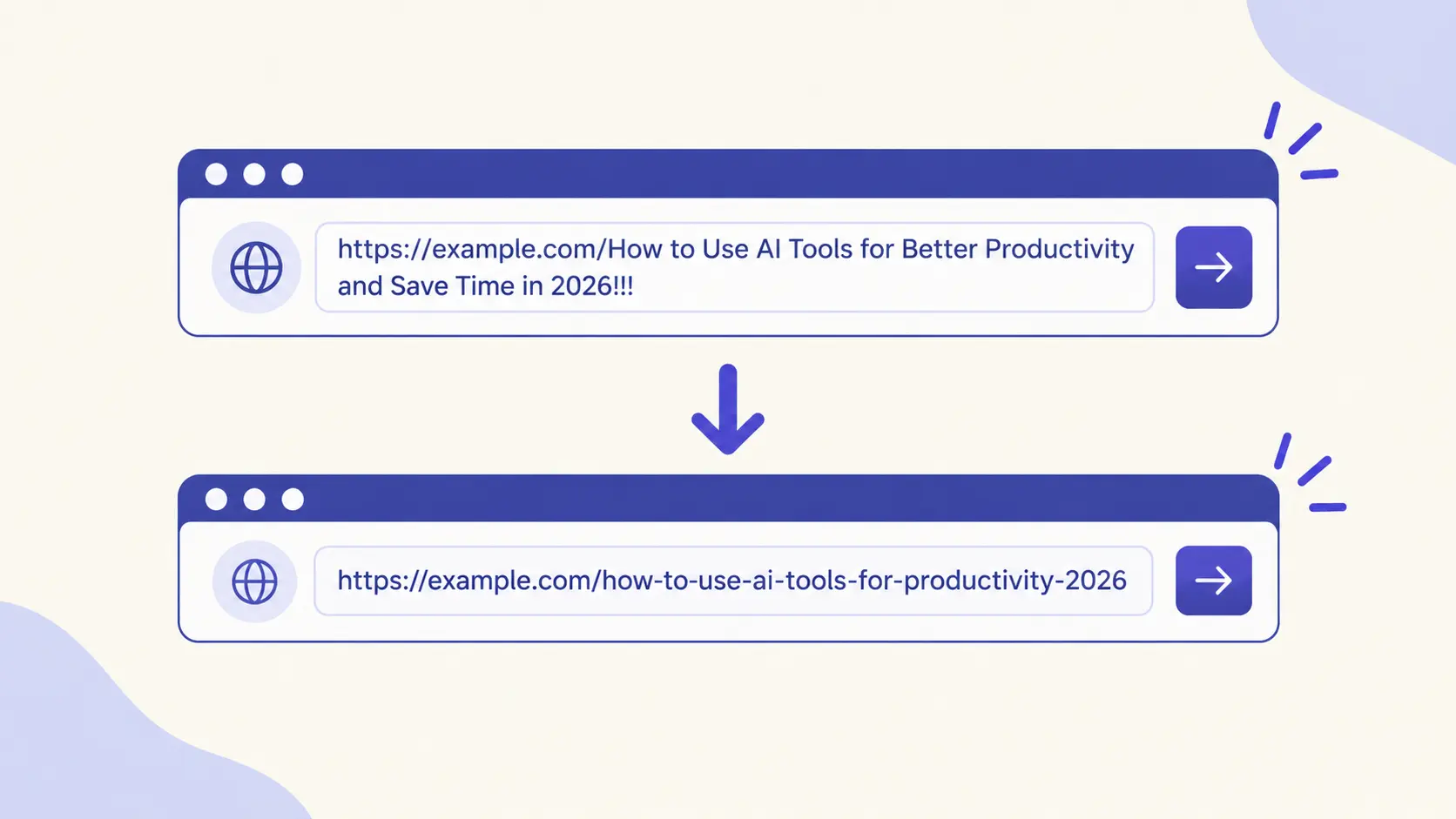
If you want to slugify text online and understand exactly what happens to your title, here is the full sequence this tool applies, in order:
- Apostrophes are removed without splitting the word, so don't becomes dont.
- Accents and special letters are converted to plain letters (when Letters is set to Convert to a–z).
- The text is lowercased (when the Lowercase switch is on).
- The title is split into words wherever a character is not a letter or a number — spaces, punctuation and symbols all count as breaks.
- Stop words are dropped (when that switch is on), unless that would leave nothing.
- The remaining words are joined with your chosen separator.
- If you set a maximum length, the slug is cut at the last whole word that fits.
Slug generator for WordPress, Shopify and Next.js
WordPress. WordPress creates a slug automatically from your post title, but the automatic version often keeps filler words and can run long. Paste your title into this slug generator, then edit the Permalink (post URL) field in the editor sidebar. If you change the slug of an already-published post, WordPress usually keeps a redirect from the old address, but it is worth testing the old link to be sure.
Shopify. In Shopify the slug is called the URL handle. You will find it under Search engine listing on products, collections, pages and blog posts. A handle like blue-denim-jacket reads far better than one made from a long product title, and Shopify lets you create a URL redirect at the same time if you change the handle of a page that is already live.
Next.js. In Next.js, slugs usually drive dynamic routes such as /blog/[slug]. Generate the slug once when the content is created, store it with the entry, and look the page up by that stored value instead of recomputing it from the title on every request — otherwise a small headline edit would silently change your URL. If you need to do it in code, the steps listed above are easy to reproduce in a few lines of JavaScript.
Stop words and transliteration explained
Stop words are very common words such as the, a, of, and, in and for. Removing them makes slugs shorter: how-to-choose-a-slug-for-your-blog-post becomes how-choose-slug-blog-post. That is often fine, but not always. Some stop words change meaning, and some slugs simply read better in full. This tool leaves stop words in by default and lets you switch removal on, so you decide page by page. If a title is made only of stop words, the tool keeps them rather than returning an empty slug.
Transliteration means replacing accented or special letters with their closest plain equivalents so the slug uses only a–z and 0–9: café becomes cafe, São Paulo becomes sao-paulo and ß becomes ss. This tool handles common Latin accents and several special letters (æ, œ, ø, đ, ð, þ, ł). One honest limit: German writers who prefer ä as ae, ö as oe and ü as ue will need to adjust those by hand, because this slug generator follows the simple accent-removal convention used by most content management systems.
Languages that do not use the Latin alphabet — Arabic, Urdu, Hindi, Russian, Chinese and others — cannot be turned into a–z by simple rules, because that would need a full romanization system. Instead, set Letters to Keep as typed. The slug then keeps those letters, which modern browsers display correctly, although they may appear percent-encoded when the link is copied. Always test the final URL on the platform you publish to.
Hyphens, underscores or dots: which separator?
Use hyphens for page URLs. Google's own guidance on URL structure recommends hyphens to separate words and advises against underscores, because a hyphen reads as a word break while an underscore can make two words look like one. Underscores are perfectly fine in file names and database fields, and dots show up in some file and API conventions, which is why this URL slug generator includes both. For anything people will search for and share, the hyphen is the safe default.
Common URL slug mistakes to avoid
- Changing a live slug without a 301 redirect, which breaks old links and bookmarks.
- Putting a year in the slug of a page you plan to update, such as best-laptops-2019.
- Leaving the default slug, which is often the whole title including filler words.
- Using uppercase letters, spaces or special characters that get encoded into the address.
- Reusing the same slug for two pages, which most content systems resolve by adding -2.
- Stuffing keywords, as in cheap-flights-cheap-flights-book-cheap-flights.
- Making the slug much longer than it needs to be.
A dedicated SEO slug generator takes care of the mechanical mistakes — case, spaces, symbols, accents — so you can spend your attention on the part only you can judge: whether the words describe the page.
Common questions
Does this slug generator store or upload my titles?
No. Everything runs in your browser — nothing you type or paste is sent anywhere or saved once you close the tab. That makes it safe to use for headlines of articles that are not published yet.
What is a URL slug?
A URL slug is the part of a web address that names one specific page, written after the domain. In getfuturix.com/slug-generator/ the slug is slug-generator. It is normally made of lowercase letters, numbers and hyphens.
How long should a URL slug be?
There is no official limit, but shorter is easier to read, remember and share. A common rule of thumb is three to five meaningful words, or roughly 60 characters. This slug generator shows a live length indicator and lets you set a maximum length that cuts at a word boundary instead of mid-word.
Should I remove stop words from a slug?
Often yes, because words like the, a, of and in add length without adding meaning. But not always: some stop words change the meaning of a phrase, and some slugs read more naturally in full. The Remove stop words switch is off by default so you can decide page by page.
Hyphen or underscore: which is better for SEO?
Hyphens. Google's URL structure guidance recommends hyphens to separate words and advises against underscores. This URL slug generator also offers underscores and dots for systems that expect them, such as file names or API routes.
Can this tool handle accents like é, ü and ñ?
Yes. With Letters set to Convert to a–z, accented letters become their plain equivalents (café becomes cafe, São Paulo becomes sao-paulo) and special letters such as ß, æ, œ, ø, đ and ł are converted too. German writers who prefer ä as ae will need to adjust those by hand.
Does it work for Urdu, Arabic, Hindi or other non-Latin scripts?
Yes, with a caveat. Set Letters to Keep as typed and the slug keeps those letters. Browsers display them correctly, but they can appear percent-encoded when the link is copied, so test your final URL on the platform you use.
Can I create many slugs at once?
Yes. Paste one title per line and the tool returns one slug per line in the same order. The copy button then copies the whole list, ready to paste into a spreadsheet or content calendar.
What happens to symbols like & and apostrophes?
Symbols such as &, ?, #, % and quotation marks are treated as word breaks and dropped. Apostrophes are removed without splitting the word, so "don't" becomes dont rather than don-t.
Is it safe to change a slug after a page is published?
It can be, but only with care. Changing a live slug changes the page address, so old links and bookmarks break unless you set up a 301 redirect. If you must change one, redirect the old URL to the new one and update your internal links.
Does the slug affect search rankings?
At most it is a small signal. Clear, relevant words in a slug help people and search engines understand the page and make the link look trustworthy in results, but content quality and relevance matter far more than the slug itself.
Is this text to URL slug converter really free?
Yes. There is no account, no watermark and no usage limit.
→ See also: How to Use AI for Keyword Research Without Paying for Tools